
















THE EVOLVED EDIT
3-in-1 Samsung Charging Station: How to Choose
Check your Galaxy phone, Watch and earbuds compatibility, then compare magnetic alignment, power requirements and designs for home or travel.
The short answer
Choose a 3-in-1 Samsung charging station by checking your exact Galaxy phone, Galaxy Watch and earbuds case first. Then compare the phone's charging position, the required wall adapter and whether the station will stay on your nightstand or travel with you. All three devices must be supported individually for one station to replace their separate chargers.
1. Start with the three devices you own
A 3-in-1 charging station gives a phone, watch and earbuds case their own charging positions. The most useful buying question is whether those positions match your particular devices. Write down the full model names before comparing chargers; a broad label such as “for Samsung” leaves too much unanswered.
Your Galaxy phone
Check that your phone supports wireless charging. Samsung lists supported Galaxy S, Note and Z models in its wireless charging compatibility guide, and identifies the Galaxy A series as unsupported. A magnetic case or stick-on ring cannot add a wireless charging receiver to a phone that lacks one.
For an Ultra, Z Fold or Z Flip model, also check the charger's physical fit. Camera housings, the position of the charging coil and the shape of the stand can affect how the phone sits. Ask about your exact model and case together.
Your Galaxy Watch
Find an explicit listing for your watch generation. Do not infer Galaxy Watch compatibility from a phone pad's Qi label or from a station designed for Apple Watch.
For example, Samsung explains that the redesigned backs of Galaxy Watch7 and Watch Ultra can reduce charging efficiency on older chargers. Those models also do not support Wireless PowerShare from a phone. That is a separate issue from whether a particular charging station supports them. Check Samsung's Watch7 and Watch Ultra charging guidance and the station's exact compatibility list.
Your earbuds charging case
The case needs to support wireless charging; Bluetooth earbuds alone do not establish that. Look up the exact model instead of relying on a photo of a similar case. For supported Galaxy Buds, Samsung's charging instructions show the earbuds seated inside the closed case before placing it on the charging surface.
If one of your devices needs a cable, a smaller charging setup plus its original charger may suit you better. Buy the number of charging positions you will actually use.
2. Check how the phone attaches
Decide whether you want a phone that rests on a stand or one that attaches magnetically. A magnetic design needs the right phone-and-case combination to hold the device in the intended charging position.
- Match the case to the model. Its magnetic ring and camera opening need to suit that phone.
- Check clearance. A camera bump, grip or kickstand should not hold the phone away from the charging surface.
- Read the charging specification. A magnetic connection alone does not confirm the charging standard or maximum speed.
Our Qi2 vs MagSafe guide explains the terminology. If you plan to keep your case on, read the practical checks for wireless charging through a phone case.
When certification matters to your choice, verify the exact product in the Wireless Power Consortium's database. Its certification guidance explains why a claim such as “Qi compatible” does not establish that a product is Qi Certified.
3. Read the power figures separately
A station's phone output, watch output and earbuds output describe different charging positions. “Up to 15W” on the phone pad does not mean that each device receives 15W, or that every supported phone charges at that rate. Samsung notes that wireless charging power and speed vary by device.
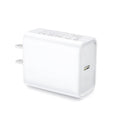
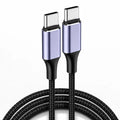
The wall adapter is another part of the setup. Check the station's required input and whether an adapter is included. A USB-C connector identifies the connection; it does not, by itself, confirm that the adapter supplies the voltage and power the station requires.
For example, Evolved's MagFold Pro for Samsung lists USB-C inputs of 5V/2A and 9V/3A, with up to 15W phone output. The 9V/3A input profile is 27W at the adapter connection. Those are different measurements. Match the specified input profile instead of buying solely by the largest wattage printed on an adapter.
Think about when you charge, too. For a station that stays beside the bed, convenient placement may matter more to you than a higher advertised peak output. If fast top-ups are your priority, compare the supported charging rate for your actual phone before choosing.
4. Choose a shape that fits your routine
For a desk or nightstand
Measure the available surface and check where the cable exits. Look for a viewing angle you can read from your chair or bed, enough room to lift the phone, and space for your watch band. Check whether indicator lights suit a dark bedroom.
For a travel bag
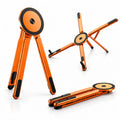
Compare the folded dimensions and include the adapter and cable in your packing decision. A folding hinge is useful when it saves space in the pouch you carry. Check that the watch position is protected when packed and that setup will be straightforward on a small hotel table.
A simple way to decide: if the charger will spend most of its time plugged in at home, prioritize daily access. If you will pack it regularly, prioritize the complete travel kit.
5. Two Evolved options to compare
MagStation: an upright everyday setup
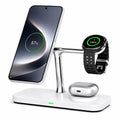
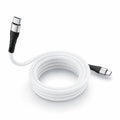
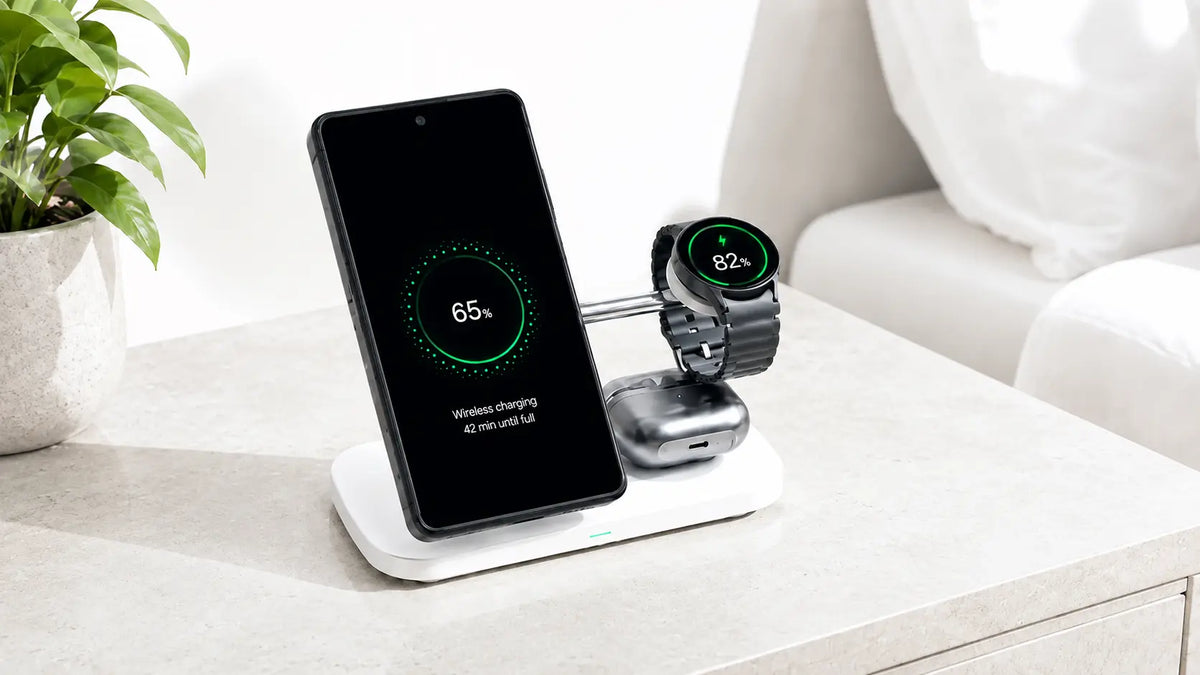
MagStation combines an upright phone stand with watch and earbuds charging positions. Its current listing specifies up to 15W for the phone, 3W for the watch and 5W for earbuds, with a USB-C cable included and the power adapter available separately.
The listed watch support covers Galaxy Watch Active, Active2 and Watch3–6, including supported Classic and Pro variants. Confirm other generations before ordering. The listing also flags possible alignment issues with Galaxy Ultra, Z Flip and Z Fold phones.
MagFold Pro: a foldable alternative
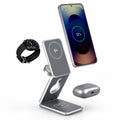
MagFold Pro for Samsung adds a folding design and adjustable watch position. Its current listing gives a weight of 195g and includes a USB-C cable, with the wall adapter offered separately. Compare it if packing the station is part of your routine.
For either model, confirm all three device names and your phone case before buying. Product specifications describe the listed setup; they are not measurements of charging time for your devices.
6. Test the complete setup before a trip
Use this short check while you still have your usual chargers nearby:
- Connect the specified power supply. Use the station's recommended cable and adapter combination.
- Try each device separately. Confirm that the phone, watch and earbuds case each show a charging indication.
- Add all three. Check that each continues charging in the arrangement you will use.
- Recheck placement. Make sure the phone is stable and the watch band does not lift the watch from its charging position.
- Pack once. Fold the station, put the cable and adapter in your bag, then rebuild the setup. This catches missing pieces before departure.
If charging is intermittent, center the device and try removing an obstructing case or accessory, as Samsung recommends. If the correct setup still fails, contact the charger maker with the exact device models and adapter details.
Find your charging setup
Compare MagStation for your desk or nightstand with MagFold Pro for a foldable setup. Start with compatibility, then choose the design that fits where you charge.
Frequently asked questions
Can I charge my Samsung phone, watch and earbuds together?
Yes, when the station supports each exact device and is powered as specified. Check the watch generation and the earbuds case's wireless charging support separately from the phone.
Will a magnetic case make my Galaxy A phone charge wirelessly?
No. A case's magnets provide attachment; they do not add the phone's missing wireless charging hardware. Check your model's charging specification before buying a wireless station.
Does any Samsung charging station work with Galaxy Watch Ultra?
No. Choose a station that explicitly supports your watch model. Samsung documents charging differences for Watch Ultra and Watch7, so support for an earlier Galaxy Watch is not enough to establish compatibility.
Does a 3-in-1 charging station need a wall adapter?
It needs a suitable power source. Check the included accessories and required input before ordering. The Evolved MagStation and Samsung MagFold Pro listings include a USB-C cable and offer the adapter separately.
How do I choose between a fixed and foldable charger?
For home, compare easy device access and the space the station occupies. For regular travel, compare its packed size together with the adapter and cable. Both choices still need to support your exact devices.