








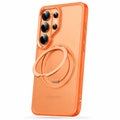








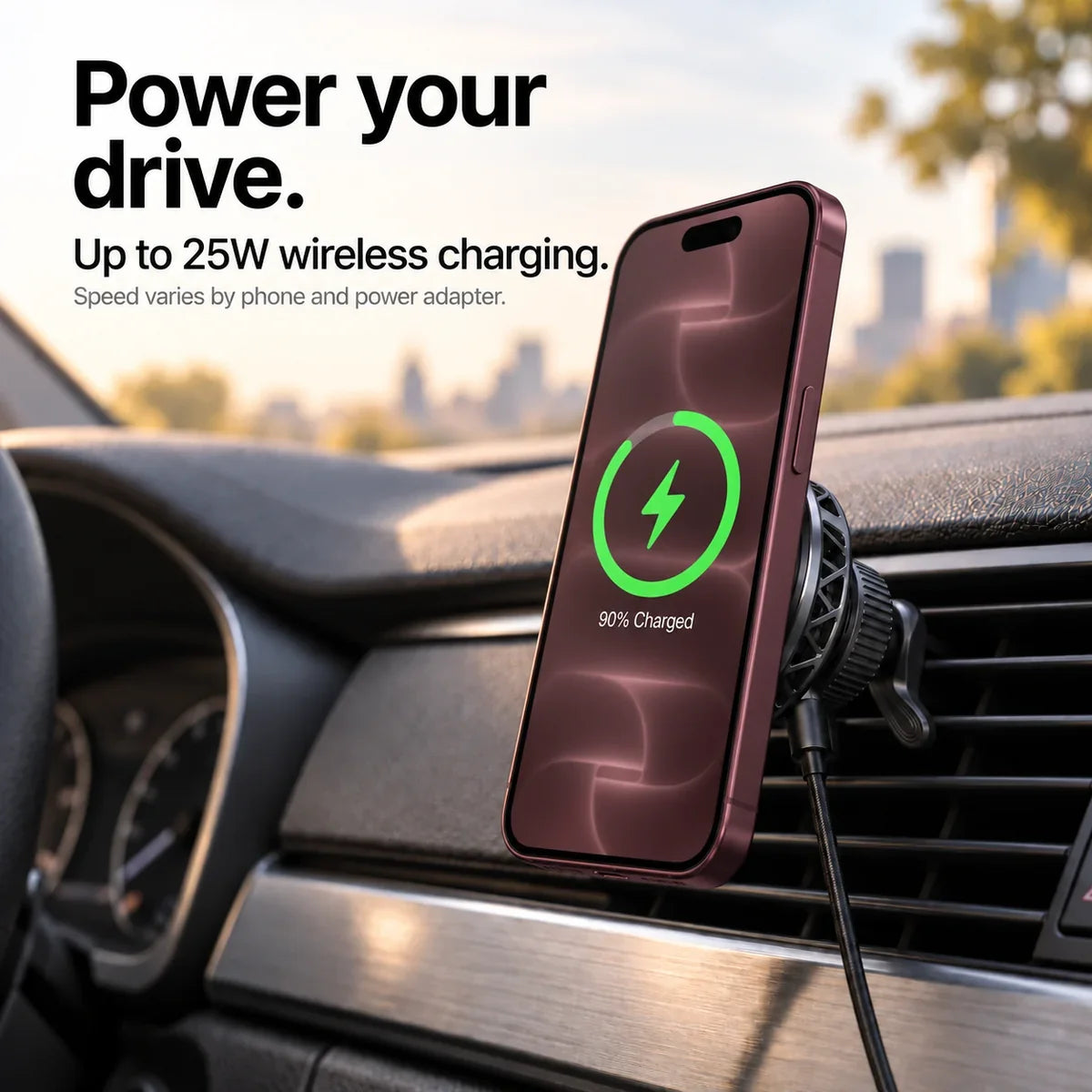


Power your drive
Up to 25W wireless output, with the right phone and power supply.
 Cases & Bands
Your cart is empty
Less clutter. More freedom. Start with the essentials for your devices.

Up to 25W wireless output, with the right phone and power supply.

Fan and semiconductor cooling.

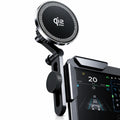
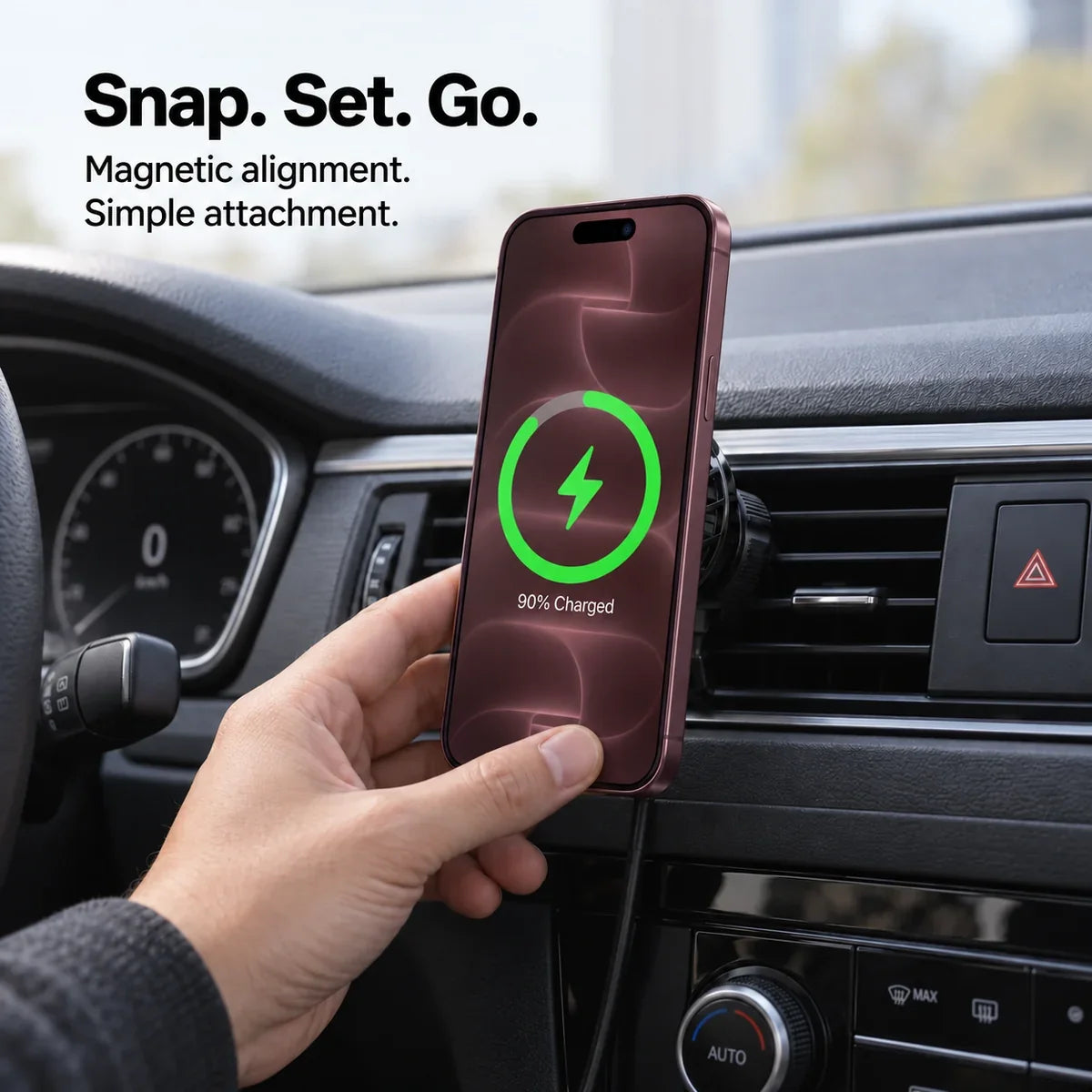
Set your phone against the magnetic charging surface.

Hook fastener. Stable support.

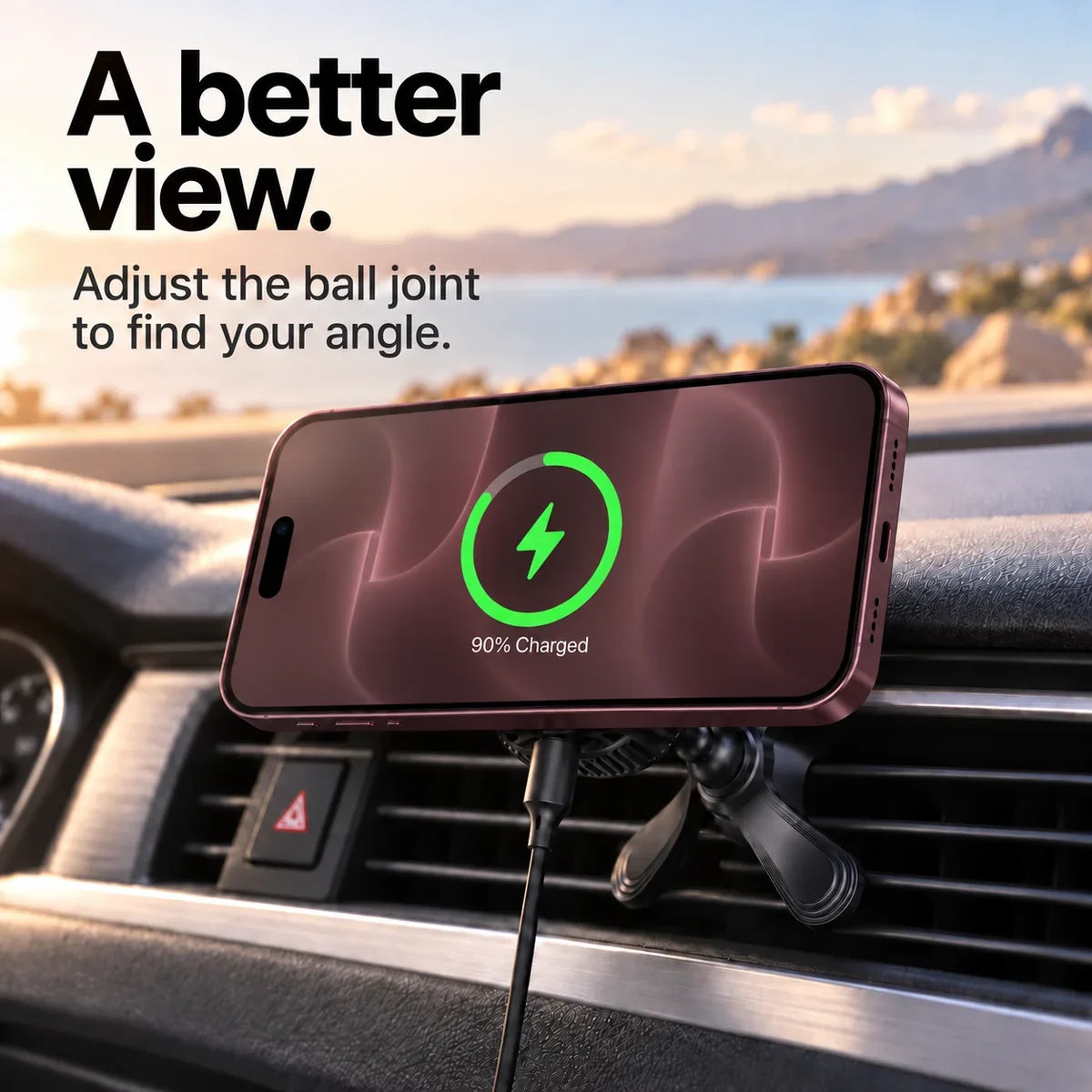
Adjust the ball joint.
| Wireless output | Up to 25W. Actual charging speed depends on the phone, power adapter, battery level and temperature. |
|---|---|
| Power for 25W output | USB-C Power Delivery with a 15V/3A output profile. Check the adapter’s voltage and current profiles, not only its headline wattage. |
| Power for 15W mode | Supported inputs: 9V/3A, 12V/3A or 15V/3A. A PD 30W power adapter is recommended for full 15W operation. |
| Input connection | USB-C |
| Cooling | Built-in fan and semiconductor cooling |
| Mount | Hook air vent bracket with stabilizing feet and an adjustable ball joint |
| Finish | Black charging face, aluminum alloy edge and illuminated ring |
| Charger dimensions | 67.5 mm diameter × 26 mm deep |
| Product weight | 115 g; packaged gross weight 270 g |
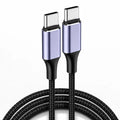
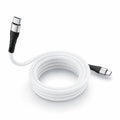
| Cable length | 1 m, USB-C to USB-C |
Find the exact model in your device settings, then match it to a charging group above.
Identify your iPhone · Identify your Apple Watch · Identify your Samsung device
Use the mounting method supplied with this model. Keep the mount clear of airbags, controls and your view of the road.
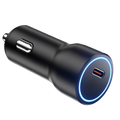
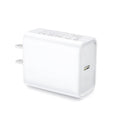
Use the cable and power-source requirements listed for the charger. Not every vehicle USB port supplies enough power.
Remove wallets and other attachments, align the phone and check the magnetic hold before releasing it.
Verify both stability and charging while parked. Do not adjust the setup while driving.
Use the instructions supplied with your product for its exact assembly and controls.
One magnetic wireless car charger.
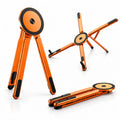
Hook bracket with stabilizing feet.
1 m USB-C to USB-C cable.
Setup and operating instructions.
No. 25W is the charger’s maximum rated output. Your phone must support the corresponding wireless charging rate, and the power source must supply the required USB-C PD profile. Temperature, battery level and case fit can reduce charging speed.
For the rated 25W maximum, use a USB-C PD power adapter with a 15V/3A output profile. For full 15W operation, the supplier recommends a PD 30W adapter. Check the profiles printed on the adapter; wattage alone does not confirm compatibility.
Check for an accessible, straight vent slat with clearance for the hook and stabilizing feet. Round turbine-style vents and deeply recessed vents may not be suitable. A dashboard or suction mount is not part of the verified accessory set.
Use a magnetic wireless charging case designed for your phone. Thick cases, metal plates, wallets or cards between the phone and charger can obstruct alignment or charging. Check that the camera bump leaves the charging surface clear.
A built-in fan and semiconductor cooling system help manage heat while the charger is powered. Keep the housing vents clear. Cooling performance varies with the environment and phone use.
Yes. Adjust the ball joint and tighten the locking collar. You can position a compatible phone vertically or horizontally. Set the angle while parked.
Yes. The verified accessory list includes a 1 m USB-C to USB-C cable, an air vent bracket and a user guide.
The phone charges wirelessly, but the charger itself needs a USB-C connection to a suitable power source.